Vocal Chops in Ableton Live 12: Slice Any Vocal in Simpler ✂️
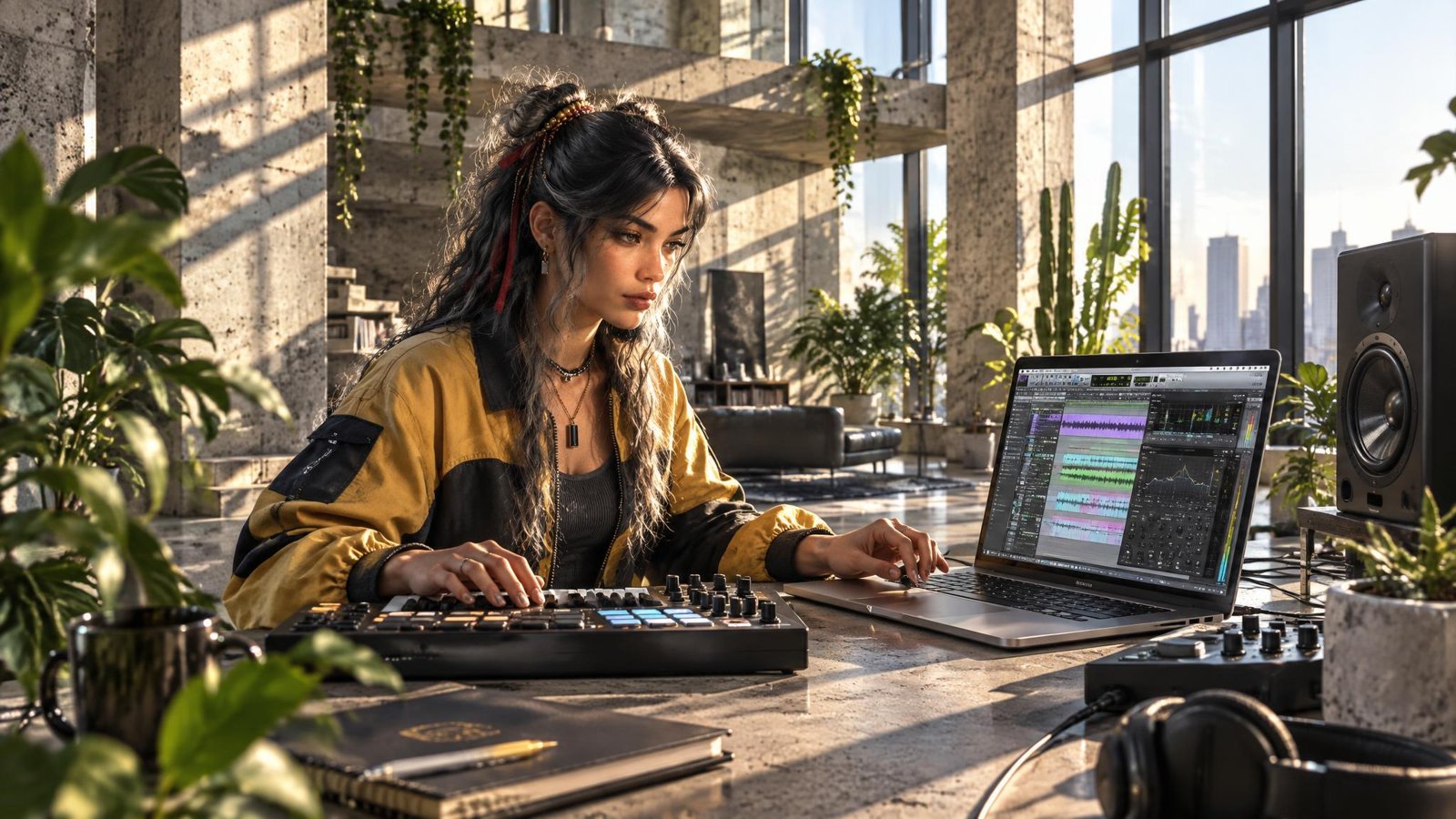
Turn One Word Into a Hook
You've got a vocal.
One line.
Maybe one word.
"Oh."
"Yeah."
"Hey."
On its own it's nothing.
Then you cut it into pieces.
Play the pieces on your keyboard.
Out of order.
Up an octave.
Backwards.
And suddenly...
It's the hook.
That's a vocal chop.
Do you need a special plugin?
No.
Is it already in Ableton Live?
Yes.
It's called Simpler.
Quick Summary
To make vocal chops in Ableton Live 12:
👉 Drag a vocal onto an empty MIDI track to create Simpler
👉 Switch Simpler to Slice mode
👉 Choose how it slices: Transient, Beat, Region or Manual
👉 Play the slices from your MIDI keyboard or draw them in a MIDI clip
👉 Add pitch, reverse, reverb and delay to taste
Simpler comes with every edition of Ableton Live.
Intro, Standard and Suite.
1. 🎤 Pick the Vocal
Short and clean works best.
One phrase.
A few words.
A single held note.
Dry vocals are easier to chop than vocals drenched in reverb.
Your own voice works.
So does a friend's.
So does a sample pack you own.
Just make sure you have the right to use it.
Also read: The Complete Guide to Vocal Processing 🎤
2. ✂️ Slice It in Simpler
Drag the vocal from your browser onto an empty MIDI track.
Ableton Live loads it into Simpler.
In Simpler, change the mode from Classic to Slice.
Now pick how it slices:
Transient
Cuts at every new hit or syllable.
Good for words.
Beat
Cuts at even divisions, like 1/8 or 1/16 notes.
Good for rhythm.
Region
Cuts the sample into a set number of equal parts.
Manual
You place every slice yourself.
Most control.
Each slice now has its own MIDI note.
The first slice starts at C1.
The next one is C#1.
And so on, up the keyboard.
3. 🎹 Play the Chops
Now play.
Hit the keys on your MIDI keyboard.
Or draw notes in a MIDI clip.
Try a simple rhythm first.
Four notes.
Repeat.
Then move one note.
Then another.
You're not editing audio anymore.
You're playing an instrument made from a voice.
Shortcut:
Right-click the audio clip and choose Slice to New MIDI Track.
Ableton Live builds the Simpler and the MIDI clip for you.
Also read: MIDI: The Invisible Language of Modern Music
 ⭐️ Download my Free Music Production Guides or take my free Ableton Live Course ⭐️
4. 🌀 Make It Yours
Pitch
Turn the Transpose knob in Simpler.
Up an octave sounds bright and cute.
Down sounds dark and heavy.
Playback
In Slice mode, set Playback to Mono so each new slice cuts off the last one.
Tight and choppy.
Set it to Poly to let the slices ring over each other.
Fades
Use Simpler's envelope to soften the start and end of each slice.
No more clicks.
Effects
Add reverb.
Add delay.
Add a filter.
Reverse the audio clip before you slice it (the Rev button in Clip View) for a swell into the chorus.
Also read: What's the Difference Between a Sampler and a Synthesizer? 🎹
⚔️ Slice Modes Compared
| Slice By | What It Does | Best For |
|---|---|---|
| Transient | Cuts at each new hit | Words and syllables |
| Beat | Cuts at even note values | Rhythmic chops |
| Region | Cuts into equal parts | Long, held notes |
| Manual | You place each slice | Full control |
⚖️ Too Many vs. Too Few
Too many chops...
And it sounds like a broken CD.
Nobody can sing it back.
Too few...
And it's just the vocal again.
Just right is a pattern someone could hum.
🥷 Chop One Word Tonight
Step 1
Find one short vocal phrase.
Drag it onto an empty MIDI track.
Step 2
Set Simpler to Slice.
Try Transient first.
Step 3
Play four slices in a loop.
Change one note at a time until it sticks.
Then add reverb.
Then add delay.
Then stop.
One word.
One hook.
 ⭐️ Download my Free Magic EQ settings Guide ⭐️

⭐️ Download my Free Magic Reverb settings Guide ⭐️
#protools #daw #homestudio #recordingschool #recording #musicproduction
Also read:
How to Start Your Own Online Business Teaching Music

Hey, I'm Futch - Music Production Coach and Ableton Certified Trainer

Learn how to make your first song and beat in Ableton Live with my
FREE 90-minute Ableton Live course
I've been teaching audio engineering and music production for 35 years.⭐️
Check out my new online music production program: Music Production Ninja...