MIDI: The Invisible Language of Modern Music
You Can't Hear MIDI
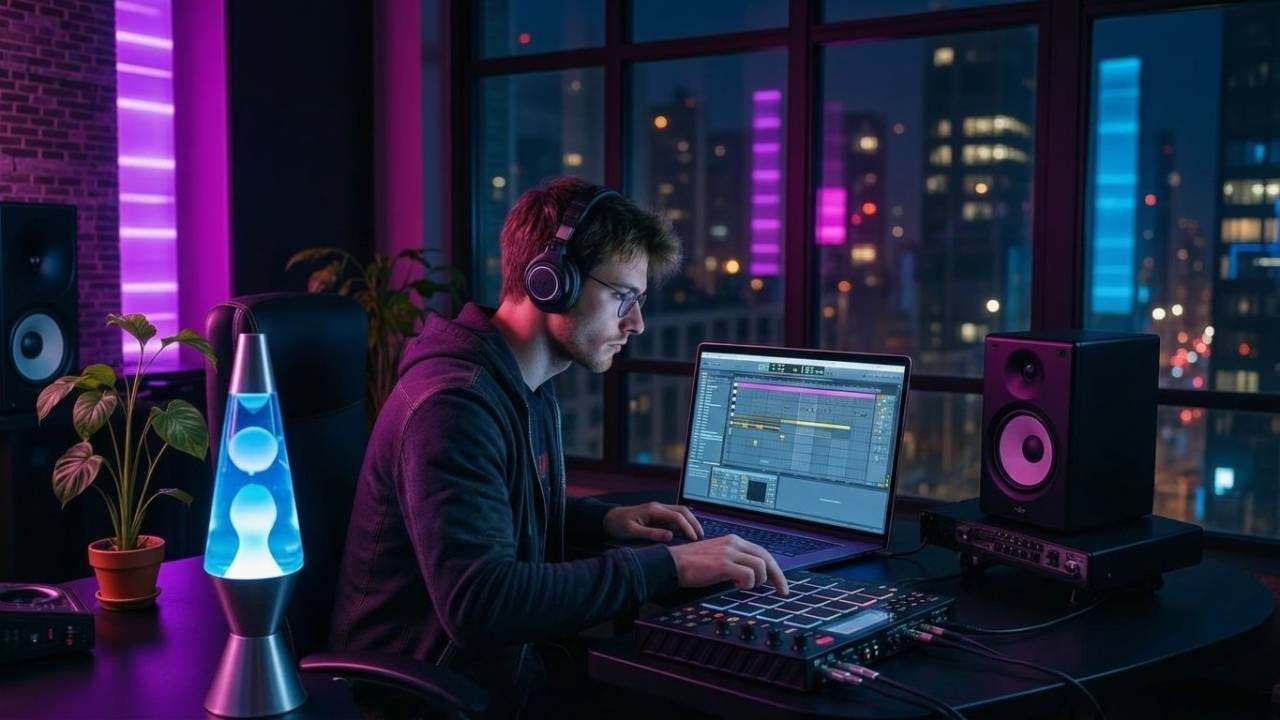
Press a key on a MIDI keyboard.
A piano plays.
Or a synthesizer.
Or a drum.
Or an orchestra.
But MIDI itself makes no sound at all.
MIDI is information.
It tells another device:
What note.
When.
How hard.
How long.
Think of MIDI as the invisible language connecting your musical ideas to sound.
Audio vs MIDI: What's the difference?
Quick Summary
MIDI has three basic parts:
1. Controller — You play the idea.
2. Sequencer — You record and arrange the idea.
3. Sound — An instrument turns the idea into audio.
That's the whole system.
Controller → Sequencer → Sound
🎹 What Is MIDI?
MIDI stands for:
Musical Instrument Digital Interface.
It was developed so electronic instruments from different manufacturers could communicate with each other.
In 1983, MIDI was publicly demonstrated by connecting a Sequential Circuits Prophet-600 to a Roland Jupiter-6.
Different companies.
Different synthesizers.
Same language.
More than 40 years later...
We're still using it.
The Sound War: Audio vs MIDI - Which Reigns Supreme?
1. 🎹 Controller
The controller is how you communicate with MIDI.
Usually:
- MIDI keyboard
- Drum pads
- Electronic drums
- Control surface
- Computer keyboard
Press middle C.
The controller doesn't necessarily create a piano sound.
It simply sends a message:
Play middle C.
2. 🧱 Sequencer
The sequencer remembers what happened.
Today...
Your DAW is usually the sequencer.
It records:
Notes.
Timing.
Velocity.
Duration.
Controller movements.
Then it lets you arrange those instructions into a song.
Think of the sequencer as:
The instructions.
Not the instrument.
3. 🔊 Sound
Finally...
Something needs to make noise.
That could be:
A software synthesizer.
A sampler.
A drum machine.
Kontakt.
Serum.
An external hardware synth.
Change the sound...
And the MIDI performance stays the same.
One MIDI part could play:
Piano.
Then strings.
Then bass.
Then a screaming synthesizer.
Same performance. Different instrument.
🔴 MIDI Recording
The most natural way to create MIDI is to play it.
Hit Record.
Play your keyboard.
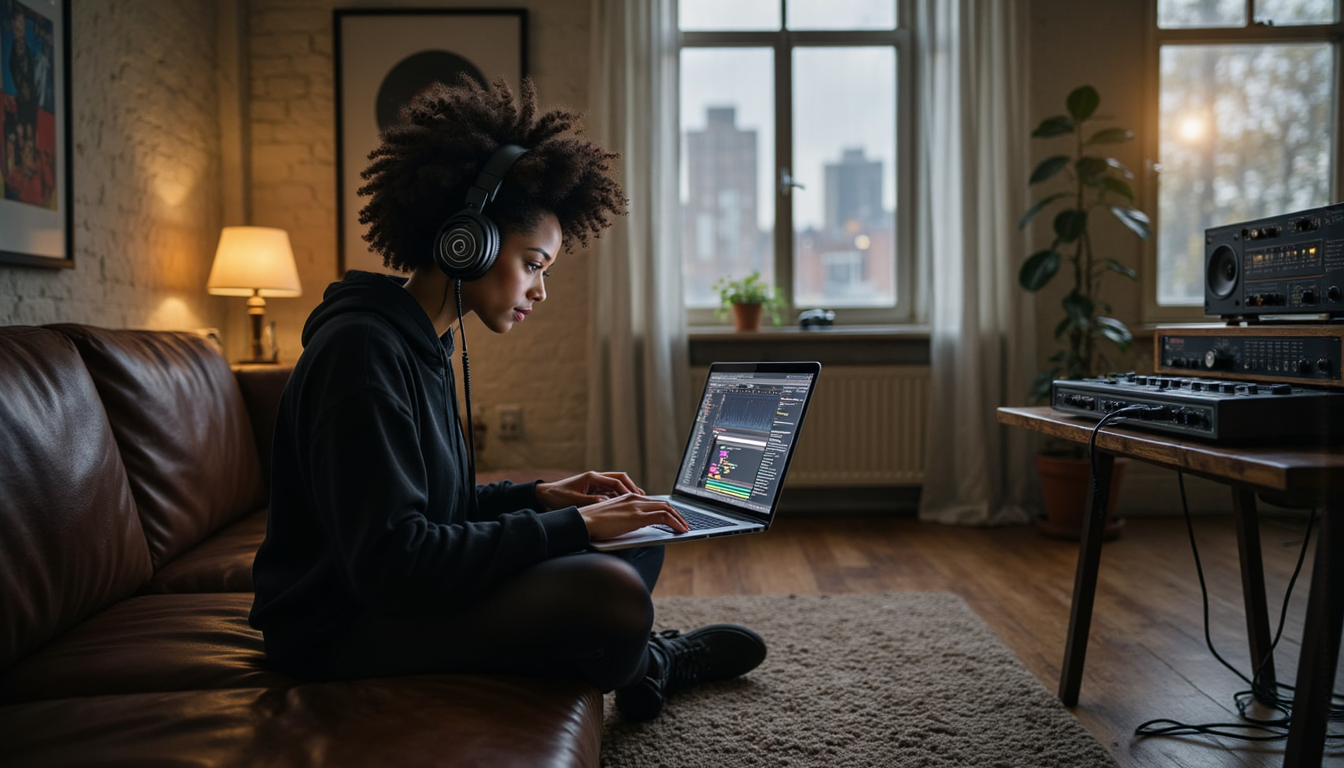
Your DAW captures the performance.
Not as audio...
But as editable notes.
That means you can change almost everything later.
🟡 MIDI Programming
You don't have to play anything.
You can draw notes directly into the DAW.
Kick.
Snare.
Bassline.
Chord.
Melody.
This is MIDI programming.
It is especially common in:
Hip-hop.
EDM.
Pop.
Electronic music.
Film scoring.
🔵 MIDI Editing
This is where MIDI becomes incredibly powerful.
You can change:
Pitch — Wrong note? Move it.
Timing — Late note? Move it.
Velocity — Too loud? Turn it down.
Length — Too short? Stretch it.
You can even change the entire instrument afterwards.
Audio is a performance captured.
MIDI is a performance that stays editable.
 ⭐️ Download my Free Music Production Guides or take my free Ableton Live Course ⭐️
💻 MIDI in Ableton Live
Ableton Live is great for producers who like to experiment.
Record MIDI.
Draw MIDI.
Loop it.
Transform it.
Generate new patterns.
Live 12 includes MIDI Transformations and Generators for manipulating or creating melodies, chords and rhythms, plus Capture MIDI for recovering ideas you played before hitting Record.
Best for: Electronic producers, beatmakers and experimentation.
🍊 MIDI in FL Studio
FL Studio is especially known for its Piano Roll.
Draw notes.
Paint patterns.
Edit chords.
Program drums.
Manipulate velocities.
FL Studio lets you record MIDI from a controller or build performances completely with the mouse.
Best for: Beatmakers and producers who love programming.
🍎 MIDI in Logic Pro
Logic Pro sits comfortably between playing and programming.
Record a performance.
Open the Piano Roll.
Then adjust:
Timing.
Pitch.
Velocity.
Length.
Logic also gives you extensive software instruments and MIDI editing tools inside the same production environment.
Best for: Songwriters, composers and all-around producers.
🎚️ MIDI in Pro Tools
Pro Tools began with a stronger reputation for audio recording and mixing.
But modern Pro Tools also includes MIDI recording, virtual instruments, MIDI editing, MIDI effects and audio-to-MIDI tools.
It makes the most sense when MIDI is living beside:
Vocals.
Guitars.
Drums.
Large recording sessions.
Best for: Recording-focused producers who also use MIDI.
⚔️ Which DAW Is Best for MIDI?
The simple version:
| DAW | MIDI Strength |
|---|---|
| Ableton Live | Experimenting |
| FL Studio | Programming |
| Logic Pro | Recording + composing |
| Pro Tools | Recording |
They can all do the fundamentals.
The difference is how they encourage you to work.
🥷 The Invisible Performance
MIDI is not music.
It is not audio.
It is not an instrument.
It is the instructions that connect them.
Your hands create the performance.
The sequencer remembers it.
The instrument gives it a voice.
Controller → Sequencer → Sound
Three pieces.
One invisible language.
And almost unlimited possibilities.
 ⭐️ Download my Free Magic EQ settings Guide ⭐️

⭐️ Download my Free Magic Reverb settings Guide ⭐️
#protools #daw #homestudio #recordingschool #recording #musicproduction
Also read:
How to Start Your Own Online Business Teaching Music

Hey, I'm Futch - Music Production Coach and Ableton Certified Trainer

Learn how to make your first song and beat in Ableton Live with my
FREE 90-minute Ableton Live course
I've been teaching audio engineering and music production for 35 years.⭐️
Check out my new online music production program: Music Production Ninja...