How to Record Your Own Samples With Your Phone 📱
Your Kitchen Is a Drum Kit.
Every beatmaker has the same sample packs.
The same kicks.
The same snares.
The same claps.
Now listen around your room.
A mug on the desk.
Keys in your pocket.
A book closing.
A pot lid in the kitchen.
Nobody else has those sounds.
And the phone in your pocket can catch every one of them.
Also read: Beatmaking for Beginners: Getting Started Making Beats
Quick Summary
To record your own samples with your phone:
👉 Find a quiet room — turn off any fan or fridge you can hear
👉 Use the best quality setting — on iPhone, set Voice Memos to Lossless
👉 Get close — a hand's width to a foot from the sound
👉 Record each sound a few times — soft, medium and hard
👉 Trim and name — cut the silence at the start, give every file a clear name
Then drop them into your DAW and make a beat nobody else can make.
1. 🎤 Which Sounds Should You Record?
Think like a drum kit.
You need something low, something sharp and something bright.
Try:
👉 For a kick — a fist on a couch cushion, a book dropped flat on a table
👉 For a snare — a hand slap on a hardcover, a cupboard door closing
👉 For a hi-hat — keys shaken, a pen tapped on a glass, rice in a jar
👉 For a clap — your own claps, or two books slapped together
👉 For texture — a zipper, a page turning, a coffee grinder
Don't worry if it doesn't sound like a drum yet.
You'll tune and stack it later.
Also read: How to Tune Analog Drums & Drum Samples for Recording and Music Production 🥁
2. 📱 How Do You Set Up Your Phone?
On iPhone, open Settings, find Voice Memos and set Audio Quality to Lossless.
On Android, look for a high-quality or WAV setting in your recorder app.
Then:
👉 Turn on Do Not Disturb — so a call doesn't land in the middle of a take
👉 Point the bottom of the phone at the sound — that's where the main mic usually sits
👉 Hold still — or set the phone on a towel so you don't hear your hands
👉 Press start, wait a second, then make the sound
That second of quiet makes trimming easy later.
Also read: The 7 Steps To Recording Your Voice At Home
3. 🔁 How Many Takes Do You Need?
More than one.
Hit each sound three ways:
👉 Soft
👉 Medium
👉 Hard
Then do it again a little farther from the phone.
Close sounds tight and punchy.
Farther sounds bigger, with more of the room in it.
Same object. Two different sounds.
Or you can set up an actual drum kit in your house...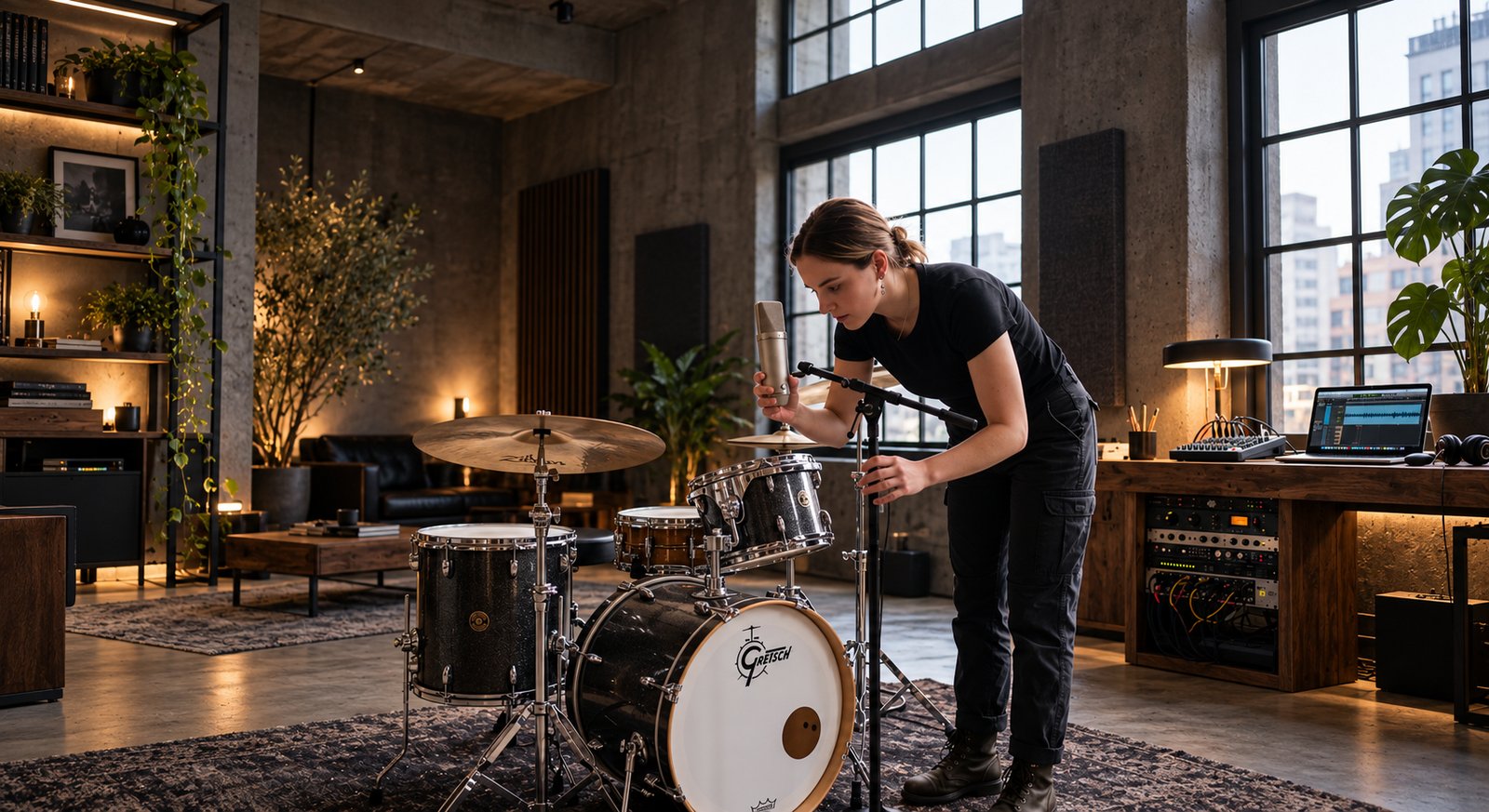 ⭐️ Download my Free Music Production Guides or take my free Ableton Live Course ⭐️
4. ✂️ How Do You Get Them Into Your DAW?
Send the files to your computer.
AirDrop works from iPhone to Mac.
Email or cloud storage works for everything else.
Then, for every sound:
👉 Trim the start — cut the silence so the hit lands right on the beat
👉 Add a short fade at the end — no clicks
👉 Name it — "kick-couch-soft", not "New Recording 14"
👉 Keep them in one folder — your own sample library
If your DAW won't open a file, convert it to WAV first.
Also read: Vocal Chops in Ableton Live 12: Slice Any Vocal in Simpler ✂️
⚔️ Your Own Samples vs. Sample Packs
| Your Own Samples | Sample Packs | |
|---|---|---|
| Sounds like you | Yes | Sounds like everyone |
| Cost | Free | Free to paid |
| Ready to use | After trimming | Right away |
| Clean and polished | Rough at first | Usually |
⚖️ Too Clean vs. Too Messy
Too clean...
And your homemade kick sounds like every other kick.
You processed the life out of it.
Too messy...
And the room noise is louder than the hit.
Just right is a little of the room and a lot of the sound.
Keep the character.
Lose the hum.
🥷 Record Your First Sample Kit Today
Step 1
Walk around your home and find one kick, one snare, one hi-hat and one clap.
Step 2
Record each one soft, medium and hard, with your phone close.
Step 3
Trim them, name them and put them in one folder.
On Saturday, we'll turn them into a beat in Ableton Live.
Your room just became your drum kit.
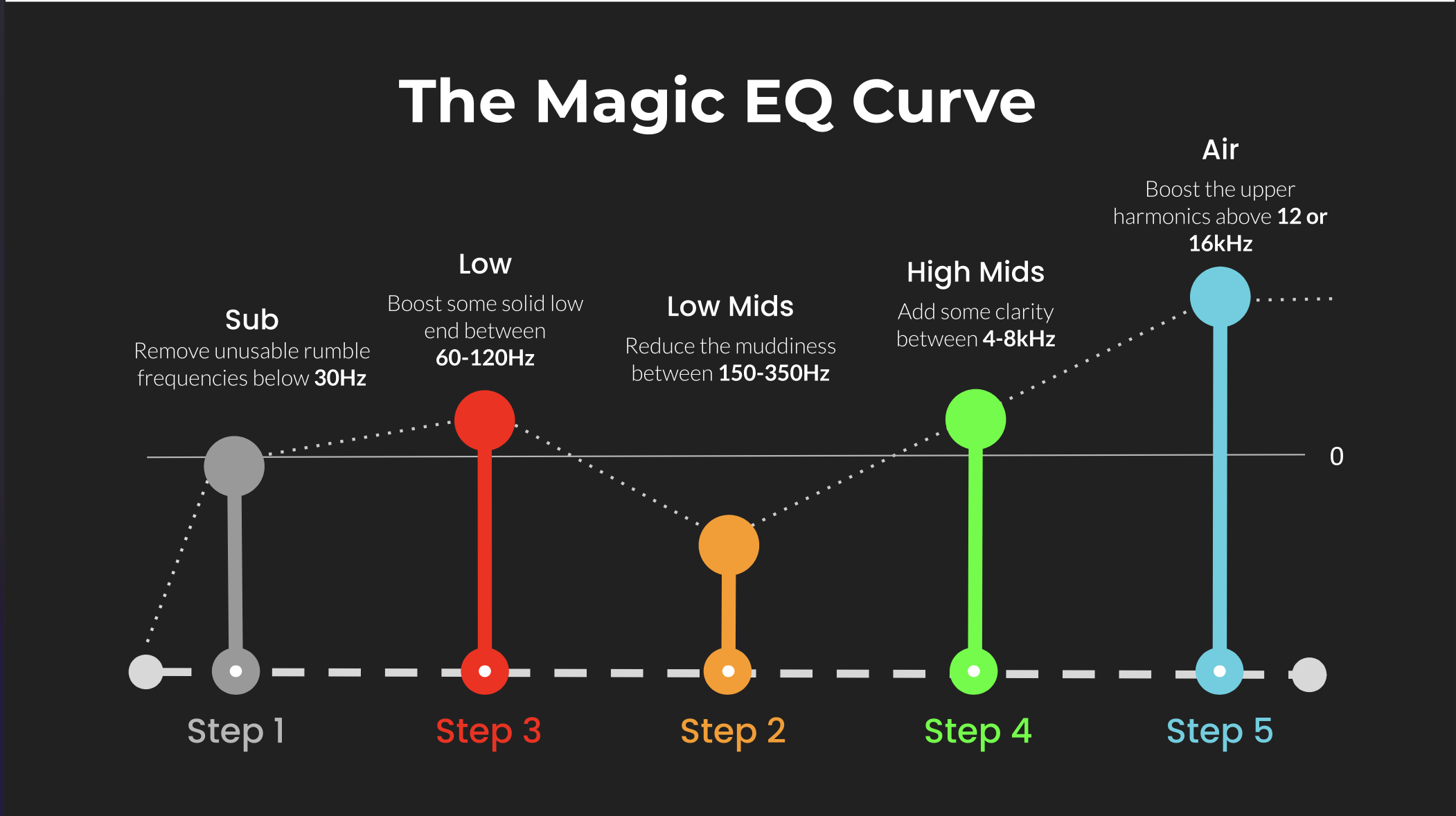 ⭐️ Download my Free Magic EQ settings Guide ⭐️

⭐️ Download my Free Magic Reverb settings Guide ⭐️
#sampling #beatmaking #musicproduction #homestudio
Also read:
How to Start Your Own Online Business Teaching Music
Hey, I'm Futch - Music Production Coach and Ableton Certified Trainer

Learn how to make your first song and beat in Ableton Live with my
FREE 90-minute Ableton Live course
I've been teaching audio engineering and music production for 35 years.⭐️
Check out my new online music production program: Music Production Ninja...