The Top 10 Best New Features of Ableton Live 13 🚀
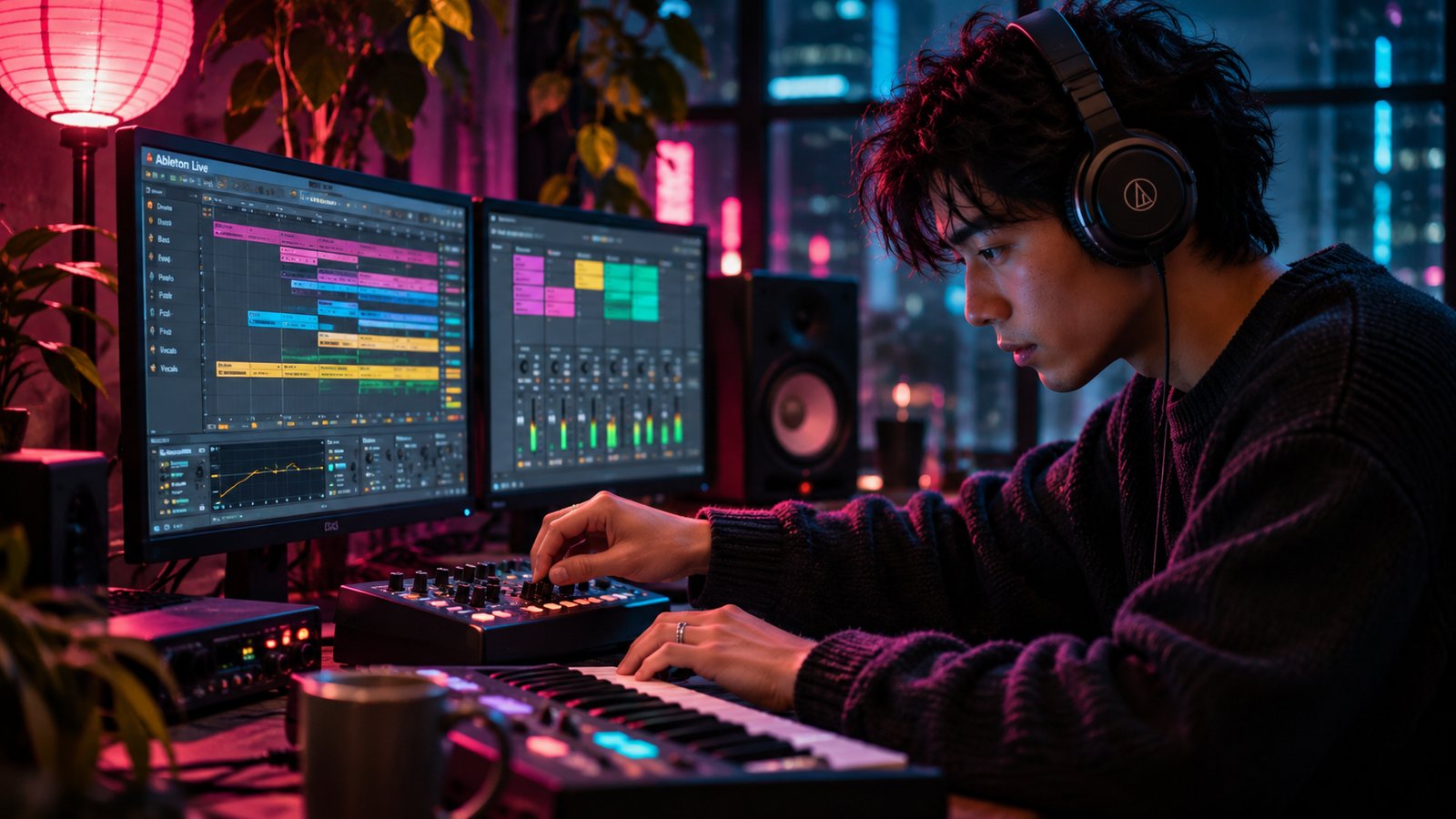
What's New in Ableton Live 13?
Ableton Live 13 adds ARA 2 support, a Step Sequencer, a new Drum Synth and more.
The public beta of Ableton Live 13 opened today.
The full release is coming in early 2027.
I've been an Ableton Certified Trainer since 2019.
I've waited years for some of these.
ARA. Finally.
Here are my top 10, plus a bonus.
Quick Summary
👉 Who can try it now: Ableton Live Standard and Suite owners, in a beta with limited places
👉 When everyone gets it: early 2027
👉 The big three: ARA 2, the Step Sequencer and Drum Synth
👉 The quiet heroes: Device Slots, Contextual Browsing and one Unsolo button
👉 Suite only: Melodyne essential, the five Softube effects, Looplet, Clipper and Transient Shaper
It's a beta.
Things can still change before the release.
Also read: Ableton Live Lite: What You Get for Free and When to Upgrade
1. 🎤 ARA 2 Support
This is the one.
ARA lets a plug-in like Melodyne work right on the audio in your clip.
No more playing the vocal into the plug-in in real time.
No more jumping to a separate window.
You load Melodyne onto the clip.
It opens inside Clip View.
For now, that's in Arrangement View only.
Fix the pitch.
Fix the timing.
Then choose Bounce ARA Edits and the changes become audio on that clip.
Most ARA 2 plug-ins work, including Melodyne.
And Ableton Live 13 Suite comes with a Melodyne essential license.
2. 🎹 The Step Sequencer
A new way to make MIDI clips, right beside the piano roll.
Click notes or drum hits straight onto a grid.
Then set velocity, timing, length, chance, repeat and pitch for every single step.
Here's the fun part.
Each row can have its own rate, its own length and its own direction.
So a simple pattern slowly turns into something that moves.
And it's all still one MIDI clip.
3. 🥁 Drum Synth
More than 20 synthesis models in one instrument, across nine kinds of drum sounds.
Classic drum machines.
Drums that sound played by hand.
Strange digital tones.
Instead of hunting for the perfect kick sample, you build the kick itself.
Push the knobs all the way.
It still sounds like a drum.
4. 🔎 Contextual Browsing
Add a device or swap a preset right from the device chain.
You don't have to open the Browser.
Hold the Option key and use the arrow keys to flip through presets.
Or press Enter to open the device browser right where you are.
Your hands stay on the keyboard.
Your ears stay on the sound.
5. 🎛️ Device Slots in the Mixer
A new part of the Mixer shows every device on every track, all at once.
From there you can turn devices on and off, open plug-in windows, move them, delete them, or jump straight to one.
You can see your whole mix without clicking into each track.
Five down, five to go...  ⭐️ Download my Free Music Production Guides or take my free Ableton Live Course ⭐️
6. 🔁 Better Return Tracks
The Mixer gets send sliders.
And Return tracks can now hold envelope clips.
That means a reverb or a delay can change from scene to scene, or move in a loop on its own.
For anyone who plays live, this one's big.
7. 🔇 The Unsolo Button
You've soloed six tracks.
You can't remember which ones.
Now there's one Unsolo button on the Main track.
One click. Everything's back.
8. 🌈 Multiband Racks
A Multiband Rack splits your sound into three bands: low, mid and high.
Each band gets its own chain of effects.
Squash the low end.
Leave the highs alone.
It comes with several crossover choices, including linear-phase filters.
9. ↔️ Mid-Side Racks
A Mid-Side Rack splits the middle of a stereo sound from its sides.
Make a pad wider.
Keep the vocal and the kick strong in the center.
Or treat the edges of your mix in a different way from the middle.
10. 🎚️ Five Classic Effects by Softube
Classic Dynamics and EQ is a pack of five effects that Softube modeled on classic studio hardware:
👉 FET Compressor: fast and punchy (basically an 1176)
👉 Opto Compressor: smooth leveling (basically an LA-2A)
👉 BCA Compressor, BCA Equaliser and BCA Drive: console-style control, tone and warmth
It comes with Ableton Live 13 Suite.
🎁 Bonus: Capture Automation
You know Capture for MIDI.
Now it works for knob moves too.
Twist a few knobs.
Press Capture.
Those moves become automation you can edit.
You don't need to press record first.
One more small thing: exported MIDI files now carry your tempo changes and time signature changes.
⚔️ Beta Now vs. Release in 2027
| Public Beta | Full Release | |
|---|---|---|
| When | Today | Early 2027 |
| Who | Ableton Live Standard and Suite owners, limited places | Everyone who buys or upgrades |
| Can things change? | Yes | It's the finished version |
| Good for | Trying the new features | Your real songs |
⚖️ Too Much vs. Too Little
Too much...
And you move a big project into a beta on day one.
Then something breaks the night before it's due.
Too little...
And you ignore Ableton Live 13 until 2027.
You miss months of learning the new tools.
Just right is trying the beta on a copy, with a fresh idea.
Keep your real songs in Ableton Live 12 for now.
Also read: How To Get Back To The Ableton Live 12 Demo Song
🥷 Get Ready for Ableton Live 13
Step 1
Read the beta page on ableton.com and see if there's a place for you.
Step 2
Pick the feature you'll use most. For most of you, that's the Step Sequencer or Drum Synth.
Step 3
Make one short beat with it this week, on a copy, not a real song.
This week I'll show you two of them up close.
Thursday: how ARA works in Ableton Live.
Saturday: a beat with the new Step Sequencer and Drum Synth.
See you then.
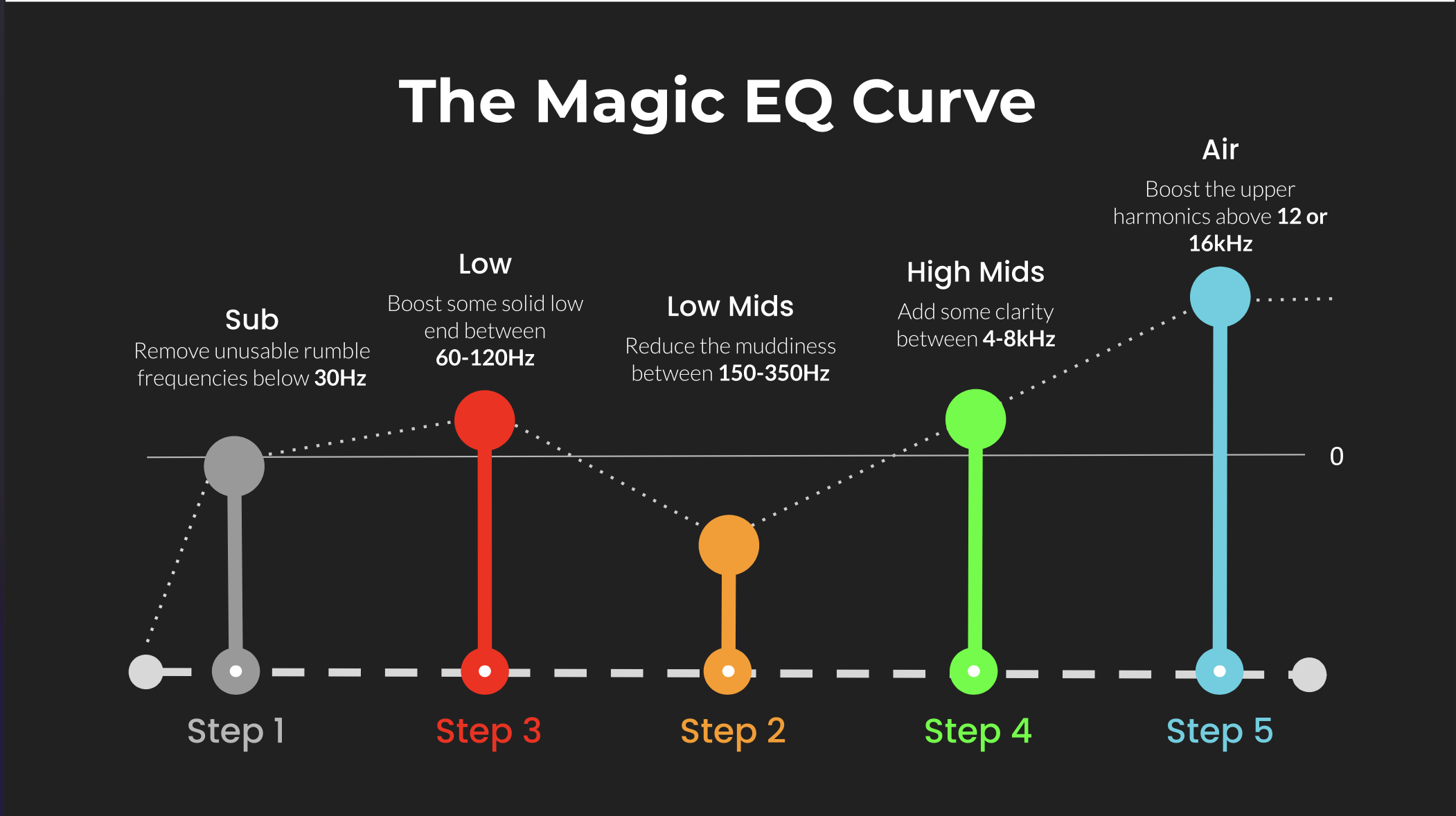 ⭐️ Download my Free Magic EQ settings Guide ⭐️

⭐️ Download my Free Magic Reverb settings Guide ⭐️
#abletonlive #abletonlive13 #musicproduction #homestudio
Also read:
How to Start Your Own Online Business Teaching Music
Hey, I'm Futch - Music Production Coach and Ableton Certified Trainer

Learn how to make your first song and beat in Ableton Live with my
FREE 90-minute Ableton Live course
I've been teaching audio engineering and music production for 35 years.⭐️
Check out my new online music production program: Music Production Ninja...