Home Studio: Comfort vs. Chaos in Your Creative Space
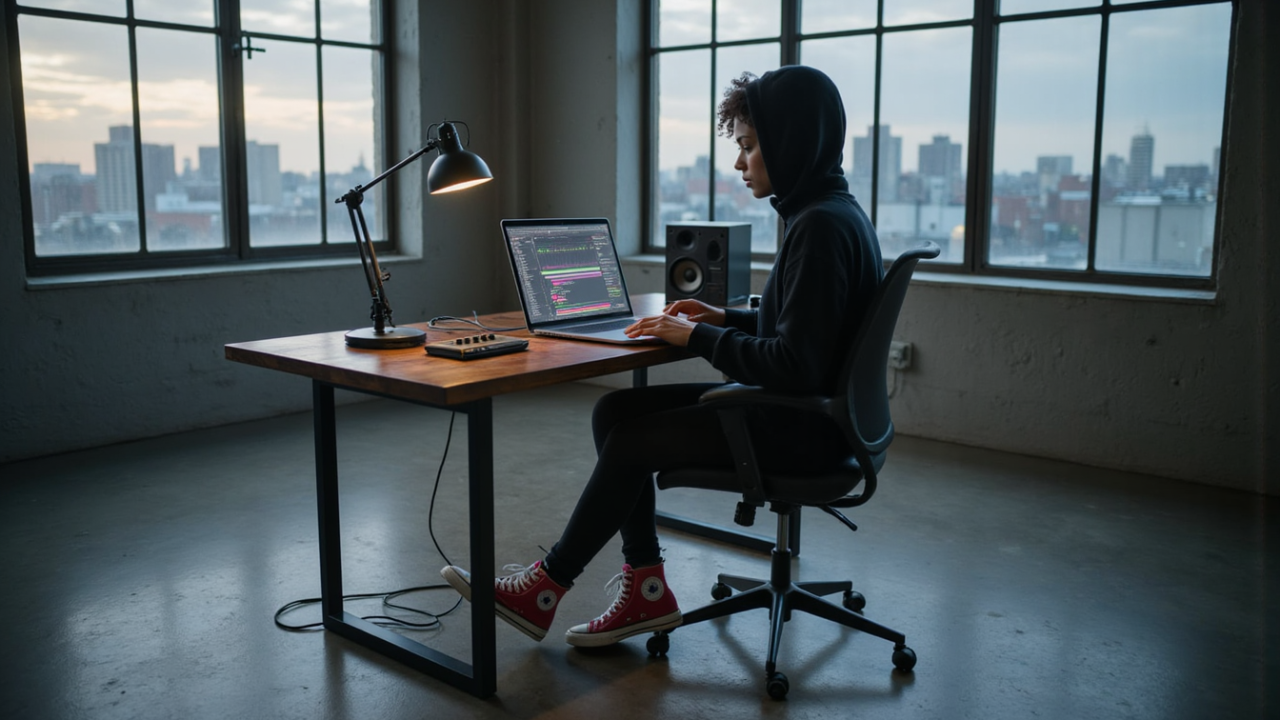
Your Studio Should Make You Want to Create
A new piece of gear arrives.
Then another.
Then another.
Soon your desk has:
Three microphones.
Two MIDI controllers.
Seven plugins you haven't opened.
Cables everywhere.
And somehow...
You're making less music.
A home studio should give you possibilities.
But too many possibilities can become chaos.
The goal isn't to own more gear.
It's to build a space where making music feels easy.
The Zen of Small Studios: Why Constraints Make You More Creative 🧘
Quick Summary
Before buying anything:
👉 Decide what music you want to make.
👉 Make a software checklist.
👉 Make a hardware checklist.
👉 Buy what solves a real problem.
👉 Add new gear only when your current setup stops you from doing something.
You don't need the biggest studio.
You need the right studio for where you are now.
📝 Plan Before You Buy
Start with one question:
What am I actually trying to do?
Make beats?
Record vocals?
Record guitar?
Mix music?
Write songs?
Produce full bands?
Your answer determines your studio.
Then create two simple lists.
Software
- DAW
- Instruments
- Plugins
- Samples
- Utility apps
Hardware
- Computer
- Audio interface
- Headphones
- Microphone
- Studio monitors
- MIDI controller
Research each category.
Choose one solution.
Then stop shopping.
Home Studio Setups: Analog vs Digital vs Hybrid 🎛️
💻 Software: Keep It Simple
You need a DAW.
That is the center of everything.
Ableton Live, Logic Pro, FL Studio, Pro Tools and REAPER can all make professional music.
Choose the one that fits the way you work.
Then learn it.
The same rule applies to plugins.
You probably don't need:
Ten compressors.
Fifteen EQs.
Thirty reverbs.
Start with the plugins inside your DAW.
Learn what they do.
Then add something new when you can explain exactly why you need it.
🎛️ Hardware: Buy for the Job
Most home studios eventually need a few basic tools.
Audio Interface
Get one when you need to connect:
- XLR microphones
- Guitars
- Hardware instruments
- Powered monitors
The Best Audio Interfaces for Beginners
Headphones
Probably the easiest way to start monitoring.
They are:
Affordable.
Portable.
Quiet.
And they don't require acoustic treatment.
Microphone
You only need one good microphone to start recording vocals or instruments.
You do not need a microphone locker.
Studio Monitors
Monitors make sense when you want to mix on speakers.
But remember:
You aren't only buying speakers.
You're also listening to the room they're sitting in.
 ⭐️ Download my Free Music Production Guides or take my free Ableton Live Course ⭐️
🟢 Minimum Home Studio
This is enough to make serious music.
Software
- One DAW
- Stock plugins
- Stock instruments
- A small sample library
Hardware
- Computer
- Headphones
- Small MIDI controller
That's it.
If you're making beats or electronic music entirely inside the computer...
You may not even need an audio interface yet.
Minimum doesn't mean bad.
It means focused.
🟡 Medium Home Studio
Now you want to record.
Software
- DAW
- Stock plugins
- A few favourite third-party instruments or effects
- Sample library
Hardware
- Computer
- 2-input audio interface
- Good headphones
- One microphone
- MIDI controller
- Pair of powered studio monitors
This is the sweet spot for a lot of producers.
You can:
Write.
Record.
Produce.
Edit.
Mix.
Finish songs.
Without turning your bedroom into a music store.
🔴 Maximum Home Studio
Now your studio is becoming a serious production environment.
Software
- DAW
- Carefully chosen plugin collection
- Sample libraries
- Virtual instruments
- Backup and organization tools
Hardware
- Powerful computer
- Larger audio interface
- Multiple microphones
- Studio monitors
- Headphones
- MIDI controllers
- External instruments
- Acoustic treatment
- Monitor stands
- Patchbays or additional routing
This can be amazing.
But only if you actually need it.
More equipment creates:
More cables.
More updates.
More maintenance.
More decisions.
More things that can go wrong.
Maximum capability also creates maximum complexity.
⚖️ Comfort vs. Chaos
Every piece of gear should make your studio easier to use.
Not harder.
At one extreme:
Too Little
You can't connect what you need.
You're constantly working around limitations.
Your tools interrupt your creativity.
At the other:
Too Much
Too many choices.
Too much clutter.
Too much maintenance.
Too many plugins.
Too many things competing for your attention.
Somewhere in the middle:
Just Enough
Everything has a purpose.
Everything has a place.
You sit down...
And start making music.
🛒 Beware of Gear Acquisition Syndrome
Buying equipment feels productive.
You research.
Compare.
Watch videos.
Read reviews.
Order something.
Unbox it.
It feels like progress.
But buying a compressor doesn't teach you compression.
Owning another synthesizer doesn't write another song.
Sometimes the best studio upgrade is simply:
Learning the gear you already own.
✅ The Home Studio Checklist
Before buying something new, ask:
What problem does this solve?
Can my current setup already solve it?
Will I use it regularly?
Does it make creating easier?
If you don't know...
Don't buy it yet.
Wait until the problem becomes obvious.
Then the right tool usually becomes obvious too.
🥷 Build the Studio Around the Music
Your home studio does not need to impress anyone.
It needs to help you create.
Start with the minimum.
Make music.
Hit a limitation.
Upgrade.
Make more music.
Then repeat.
Your studio should grow because your music demands it.
Not because your shopping cart does.
Comfort creates music.
Chaos creates friction.
Build the space that makes you want to come back tomorrow.
 ⭐️ Download my Free Magic EQ settings Guide ⭐️

⭐️ Download my Free Magic Reverb settings Guide ⭐️
#protools #daw #homestudio #recordingschool #recording #musicproduction
Also read:
How to Start Your Own Online Business Teaching Music

Hey, I'm Futch - Music Production Coach and Ableton Certified Trainer

Learn how to make your first song and beat in Ableton Live with my
FREE 90-minute Ableton Live course
I've been teaching audio engineering and music production for 35 years.⭐️
Check out my new online music production program: Music Production Ninja...