Drum Rack in Ableton Live: Build a Beat From Your Own Samples 🥁
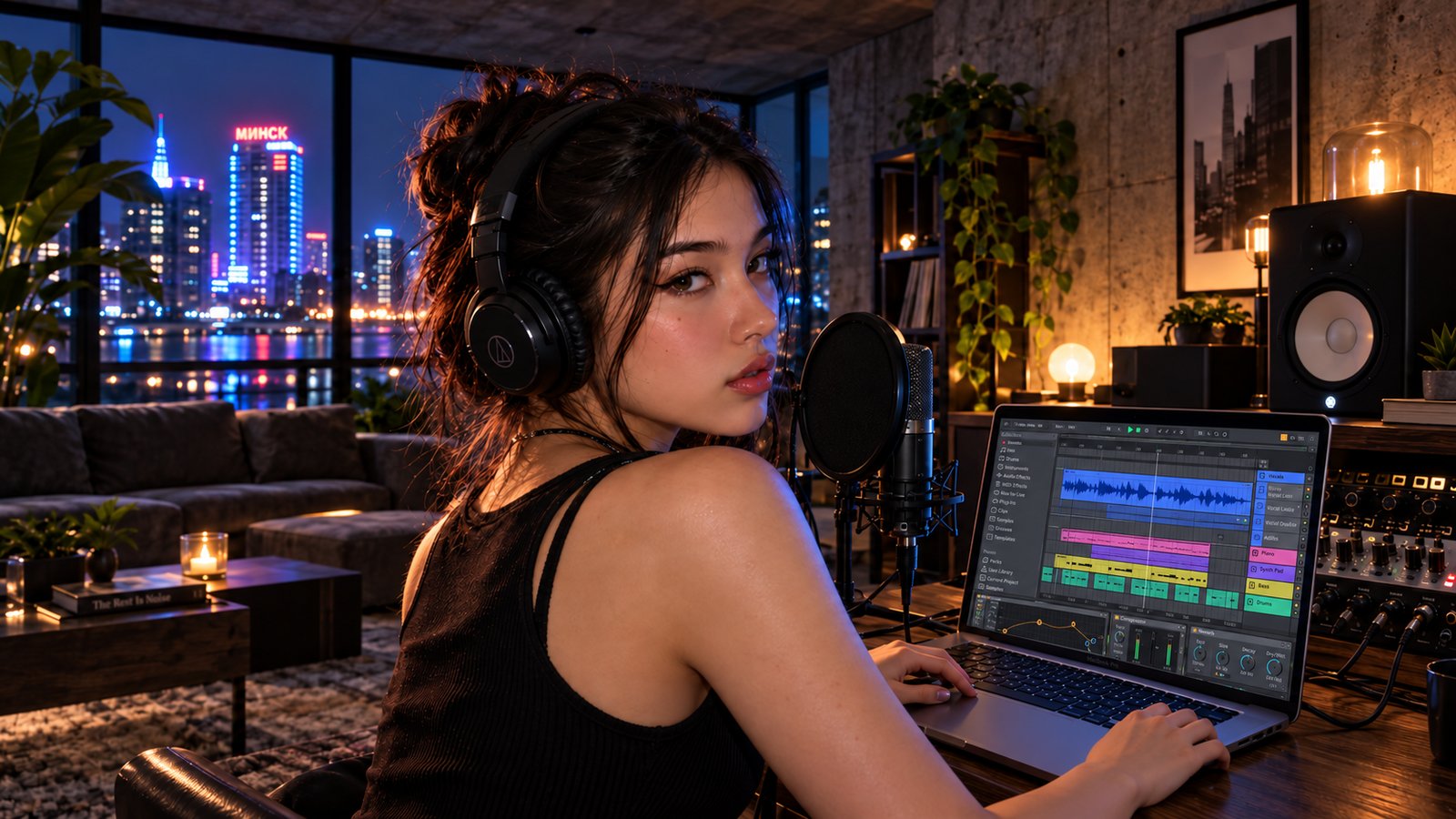
Sixteen Pads. Your Sounds.
On Thursday you recorded your own samples.
A couch cushion.
A cupboard door.
A jar of rice.
Right now they're just files in a folder.
Let's turn them into a beat.
Ableton Live has the perfect place for them.
It's called Drum Rack.
Also read: How to Record Your Own Samples With Your Phone 📱
Quick Summary
Drum Rack holds one sound on each pad:
👉 Make a MIDI track and load an empty Drum Rack
👉 Drag your samples onto the pads — kick, snare, hi-hat, clap
👉 Make a MIDI clip and draw a simple pattern
👉 Mix the pads — volume, tuning and a little space
Four steps.
One beat that sounds like nobody else.
1. 🥁 What Is Drum Rack?
Drum Rack is an instrument in Ableton Live.
It shows a grid of 16 pads.
Each pad plays one sound.
Each sound sits on its own MIDI note, so you draw a beat the same way you'd draw notes in a piano roll.
Scroll the grid and you'll find more pads: 128 in all.
For your first beat, four pads is enough.
Also read: Beat Divisions Explained: Quarter Notes, 8th Notes, 16ths and Triplets ⏱️
2. 📂 How Do You Load Your Own Samples?
👉 Make a MIDI track — Cmd + Shift + T on Mac, Ctrl + Shift + T on Windows
👉 Load Drum Rack — in the browser, open Drums and drag the empty Drum Rack onto the track
👉 Add your folder to the browser — click Add Folder under Places and pick your sample folder
👉 Drag one sample onto each pad — kick on the bottom left pad, then snare, hi-hat and clap beside it
Each pad gets its own Simpler with your sample inside.
Click a pad to hear it.
Your kitchen is now an instrument.
3. 🎹 How Do You Program the Beat?
Double-click an empty clip slot to make a MIDI clip.
Press B to turn on Draw Mode.
Then draw a basic pattern in one bar:
👉 Kick — beats 1 and 3
👉 Snare or clap — beats 2 and 4
👉 Hi-hat — every 8th note
Press play.
That's a beat.
Now make it yours:
👉 Move one kick a 16th note later
👉 Make some hi-hats softer — lower their velocity
👉 Add a texture sound — a zipper or a page turn, once every two bars
Also read: 9 Must-Know Beatmaking Techniques for Beginner Music Producers
 ⭐️ Download my Free Music Production Guides or take my free Ableton Live Course ⭐️
4. 🎚️ How Do You Mix the Pads?
Your samples won't match at first.
The couch kick might be quiet.
The rice hi-hat might be loud.
Fix it in three moves:
👉 Volume — show the chain list in Drum Rack and balance each pad
👉 Tuning — use Transpose in each pad's Simpler; tune the kick down to make it deeper
👉 Space — add a little reverb to the snare or clap only
Listen to all four together.
Not one at a time.
Also read: Explosive Rhythms: Mixing Drums Like a Pro With Your Home Studio DAW
⚔️ Drum Rack vs. Simpler vs. Sampler
| Drum Rack | Simpler | Sampler | |
|---|---|---|---|
| Sounds at once | Many, one per pad | One | Many, mapped across keys |
| Best for | Beats | Playing one sample | Detailed instruments |
| Comes with | Every edition of Ableton Live | Every edition of Ableton Live | Ableton Live Suite |
⚖️ Too Busy vs. Too Empty
Too busy...
And every pad plays on every beat.
Nothing stands out.
Too empty...
And the beat never moves.
Just right is four sounds, each with a job.
The kick holds the floor.
The snare marks the backbeat.
The hi-hat keeps time.
The texture sound is the surprise.
🥷 Build Your Drum Rack Beat Today
Step 1
Make a MIDI track, load an empty Drum Rack and drag your four samples onto the pads.
Step 2
Draw the kick on 1 and 3, the snare on 2 and 4, and hi-hats on every 8th note.
Step 3
Move one hit, soften some hi-hats and balance the pads.
Same software as everyone else.
Your sounds.
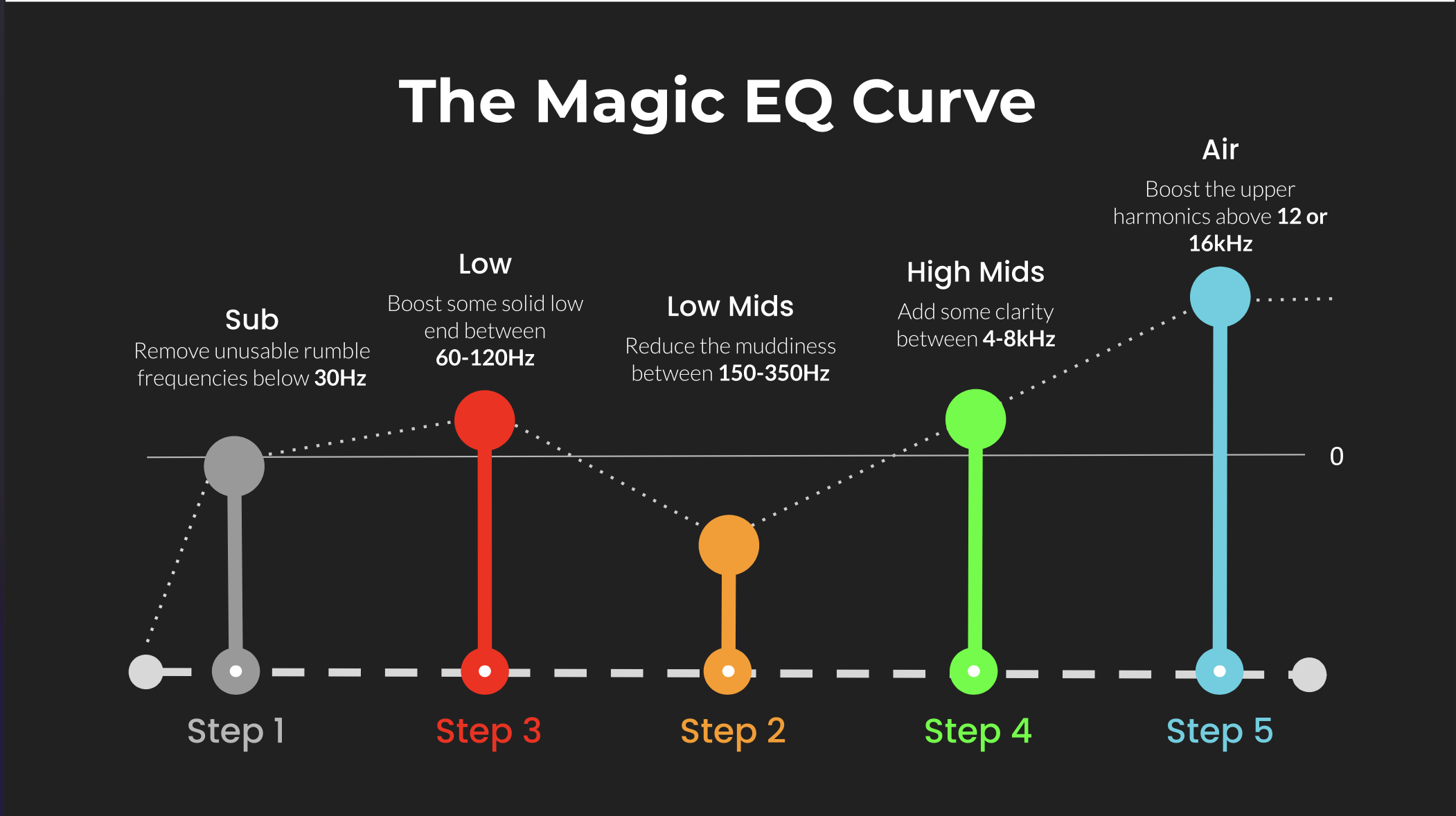 ⭐️ Download my Free Magic EQ settings Guide ⭐️

⭐️ Download my Free Magic Reverb settings Guide ⭐️
#abletonlive #beatmaking #drumrack #musicproduction
Also read:
How to Start Your Own Online Business Teaching Music
Hey, I'm Futch - Music Production Coach and Ableton Certified Trainer
Learn how to make your first song and beat in Ableton Live with my
FREE 90-minute Ableton Live course
I've been teaching audio engineering and music production for 35 years.⭐️
Check out my new online music production program: Music Production Ninja...