How to Use ARA in Ableton Live 🎤

What Is ARA in Ableton Live 13?
ARA lets a plug-in like Melodyne edit the audio in your clip directly.
ARA stands for Audio Random Access.
Ableton Live 13 is the first version of Ableton Live with ARA 2 support.
It's in public beta now, and the full release is coming in early 2027.
Here's how to use it, in five steps.
Quick Summary
👉 What it does: puts Melodyne, or another ARA 2 plug-in, right inside Clip View
👉 Where it works: on audio clips in Arrangement View
👉 How you finish: choose Bounce ARA Edits and your fixes become audio
👉 What you need: an ARA 2 plug-in in VST3 format. Ableton Live 13 Suite comes with Melodyne essential
👉 The limit: one ARA plug-in at a time
It's a beta.
Things can still change before the release.
Also read: How to Record Great Sounding Vocals in a Home Studio
🤔 Life Before ARA
Before ARA, Melodyne sat on the track like any other effect.
It couldn't see your audio.
So you had to play the whole vocal into it, in real time.
A four-minute song took four minutes.
With ARA, the plug-in reads the clip right away.
No waiting.
1. 🔌 Turn On VST3 Plug-Ins
ARA plug-ins run as VST3.
Open Settings and go to Plug-Ins.
Make sure VST3 plug-in sources are turned on.
2. 🎬 Go to Arrangement View
In the beta, ARA works in Arrangement View only.
Click the audio clip you want to fix.
One warning.
If you copy a clip to Session View before you bounce, the plug-in and its edits are removed.
So stay in Arrangement View until you're done.
Also read: Ableton Live Session View vs. Arrangement View: What’s the Difference?
3. 🎤 Load Melodyne on the Clip
Look at the top right of Clip View.
There's a new ARA browser there.
Pick your ARA plug-in.
Melodyne opens with your audio already in it.
Fix the notes, keep the feeling...  ⭐️ Download my Free Music Production Guides or take my free Ableton Live Course ⭐️
4. 🎯 Fix the Pitch and the Timing
Melodyne shows every note as a blob.
Drag a blob up or down to fix the pitch.
Drag it left or right to fix the timing.
Fix the notes that bother you.
Leave the rest alone.
5. ✅ Bounce ARA Edits
When you're happy, choose Bounce ARA Edits.
Your fixes become audio on that clip, and the plug-in unloads.
Changed your mind?
Choose Remove ARA Plug-in.
That takes the plug-in off and drops any edits you didn't bounce.
Undo brings them back.
🧩 Which Plug-Ins Work?
Most ARA 2 plug-ins work with Ableton Live 13, including Melodyne.
A few aren't supported yet in the beta: iZotope RX, Celemony Tonalic and IK ReSing.
You can use one ARA plug-in at a time.
That one plug-in can be on many clips and tracks.
Apple Logic Pro, Avid Pro Tools and Steinberg Cubase have had ARA for years.
If you learned Melodyne in one of those, the editing is the same.
⚔️ Before ARA vs. With ARA
| Before ARA | With ARA 2 | |
|---|---|---|
| Getting audio into Melodyne | Play it in, in real time | It's there right away |
| Where you edit | A separate plug-in window | Clip View |
| How you finish | Leave the plug-in on the track | Bounce ARA Edits |
⚖️ Too Much vs. Too Little
Too much...
And you tune every single note.
The singer sounds like a robot.
Too little...
And you leave the one sour note that everybody hears.
Just right is fixing only the notes that pull you out of the song.
🥷 Try ARA This Week
Step 1
Open a vocal in Arrangement View. Use a copy, not a real song.
Step 2
Load Melodyne on one clip and fix three notes.
Step 3
Choose Bounce ARA Edits, then listen to the before and the after.
Saturday: a beat with the new Step Sequencer and Drum Synth.
See you then.
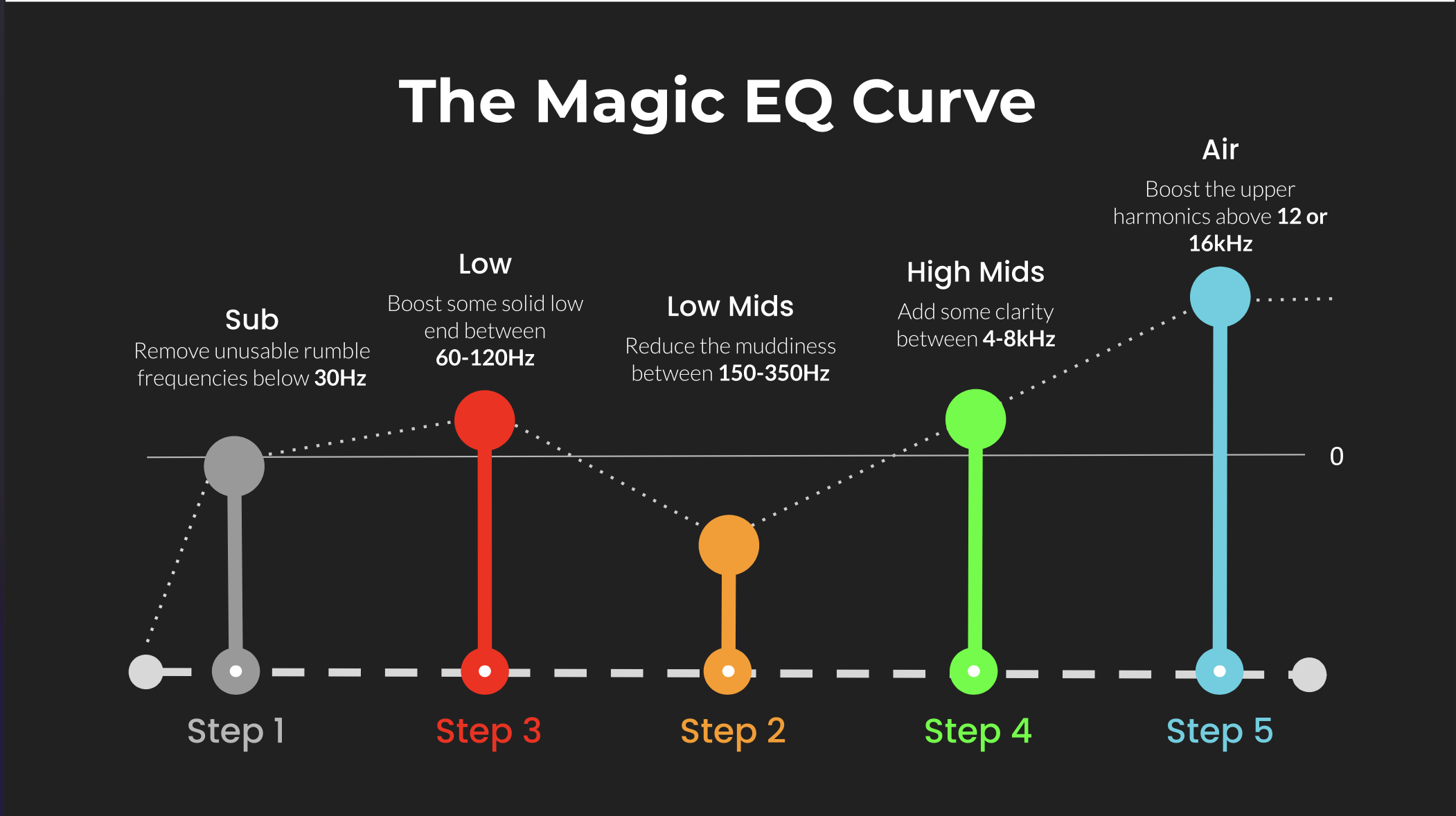 ⭐️ Download my Free Magic EQ settings Guide ⭐️

⭐️ Download my Free Magic Reverb settings Guide ⭐️
#abletonlive #abletonlive13 #ara #melodyne #musicproduction
Also read:
How to Start Your Own Online Business Teaching Music
Hey, I'm Futch - Music Production Coach and Ableton Certified Trainer

Learn how to make your first song and beat in Ableton Live with my
FREE 90-minute Ableton Live course
I've been teaching audio engineering and music production for 35 years.⭐️
Check out my new online music production program: Music Production Ninja...