Can I Mix Music Professionally on my Laptop with Headphones?
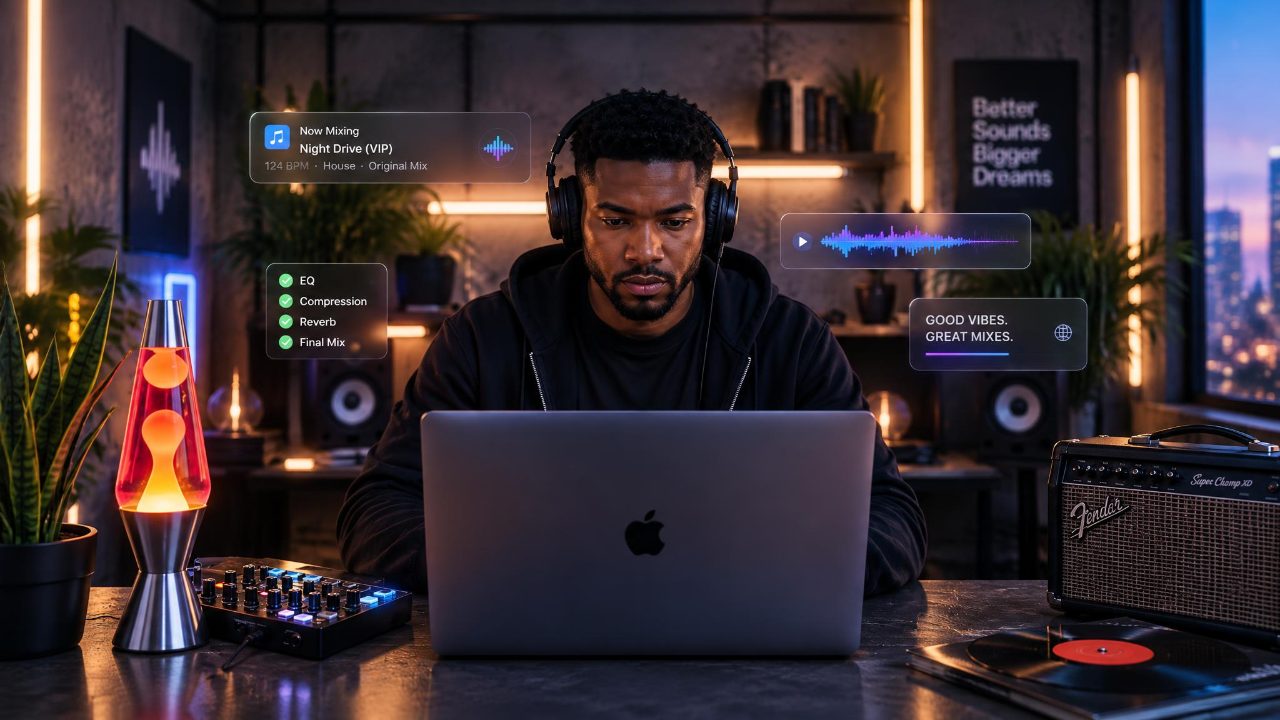
From Million-Dollar Studio to Laptop
Professional mixing used to mean:
A large-format SSL console.
World-class monitors.
An isolated, acoustically treated control room.
Today?
A lot of professional mixing happens completely in the box.
And now...
You can even mix professionally on headphones.
The important question isn't:
How expensive is your studio?
It's:
Can you trust what you're hearing?
Quick Summary
Yes, you can mix professionally with:
👉 A laptop
👉 A DAW
👉 Good headphones
👉 Headphone correction or room simulation
👉 Reference mixes
👉 Regular breaks
Your monitoring matters more than the size of your studio.
Also read: Should I Mix on Headphones or Speakers?
🎚️ Then: The Professional Studio
Traditionally, professional mixes were created in purpose-built rooms.
Think:
SSL G-Series console.
Huge monitors.
Nearfields.
Outboard gear.
Acoustic treatment.
The entire room was designed to help the mixer make decisions they could trust.
That still works.
But it isn't the only way anymore.
💻 Now: In the Box
Modern DAWs put most of that studio inside your computer.
EQ.
Compression.
Reverb.
Automation.
Routing.
Recall.
You can now create a professional mix without touching a physical console.
Also read: 5 Essential Mixing Tips for Music Producers
🎧 Headphones Remove the Room
Speakers interact with your room.
Headphones don't.
That's a huge advantage if your bedroom or home studio isn't acoustically treated.
For traditional headphone mixing, open-back headphones are usually a great choice.
They tend to feel:
More spacious.
More natural.
More speaker-like.
Also read: How to Set Up Your Home Studio Speakers
 ⭐️ Download my Free Music Production Guides or take my free Ableton Live Course ⭐️
📏 Correct What You're Hearing
Every headphone has its own frequency curve.
Too much bass in your headphones?
You'll probably remove too much bass from your mix.
Too much treble?
You'll probably make the mix too dark.
Sonarworks SoundID Reference corrects the response of supported headphones so they behave more neutrally.
Think of it as:
Prescription glasses for your ears.
🌎 Or Use Slate VSX
Slate VSX takes the idea further.
Instead of simply flattening the headphones...
It simulates different listening environments.
Studios.
Cars.
Clubs.
Consumer speakers.
Phones.
Even environments like Mike Dean's studio and Tesla.
That means you can check how your mix translates without leaving your chair.
🎵 Use Reference Mixes
Your ears adapt.
Reference tracks reset them.
Compare your mix against professionally released songs for:
Bass.
Vocals.
Brightness.
Stereo width.
Loudness.
Also read: How to Choose and Use Reference Mixes
⏸️ Take Breaks
Headphones make it easy to work too long.
After a while...
Everything starts sounding normal.
Take them off.
Walk away.
Come back with fresh ears.
Also read: How Loud Should My Speakers Be When I'm Mixing?
🥷 Can You Mix Professionally on Headphones?
Yes.
You don't need:
A giant SSL.
A million-dollar room.
Or even studio monitors.
You need monitoring you understand...
Reference mixes you trust...
And ears that aren't exhausted.
Because professional mixing was never really about owning the room.
It was about making decisions you can trust.
Today...
That room can fit inside your laptop bag.
 ⭐️ Download my Free Magic EQ settings Guide ⭐️

⭐️ Download my Free Magic Reverb settings Guide ⭐️
#protools #daw #homestudio #recordingschool #recording #musicproduction
Also read:
How to Start Your Own Online Business Teaching Music

Hey, I'm Futch - Music Production Coach and Ableton Certified Trainer

Learn how to make your first song and beat in Ableton Live with my
FREE 90-minute Ableton Live course
I've been teaching audio engineering and music production for 35 years.⭐️
Check out my new online music production program: Music Production Ninja...